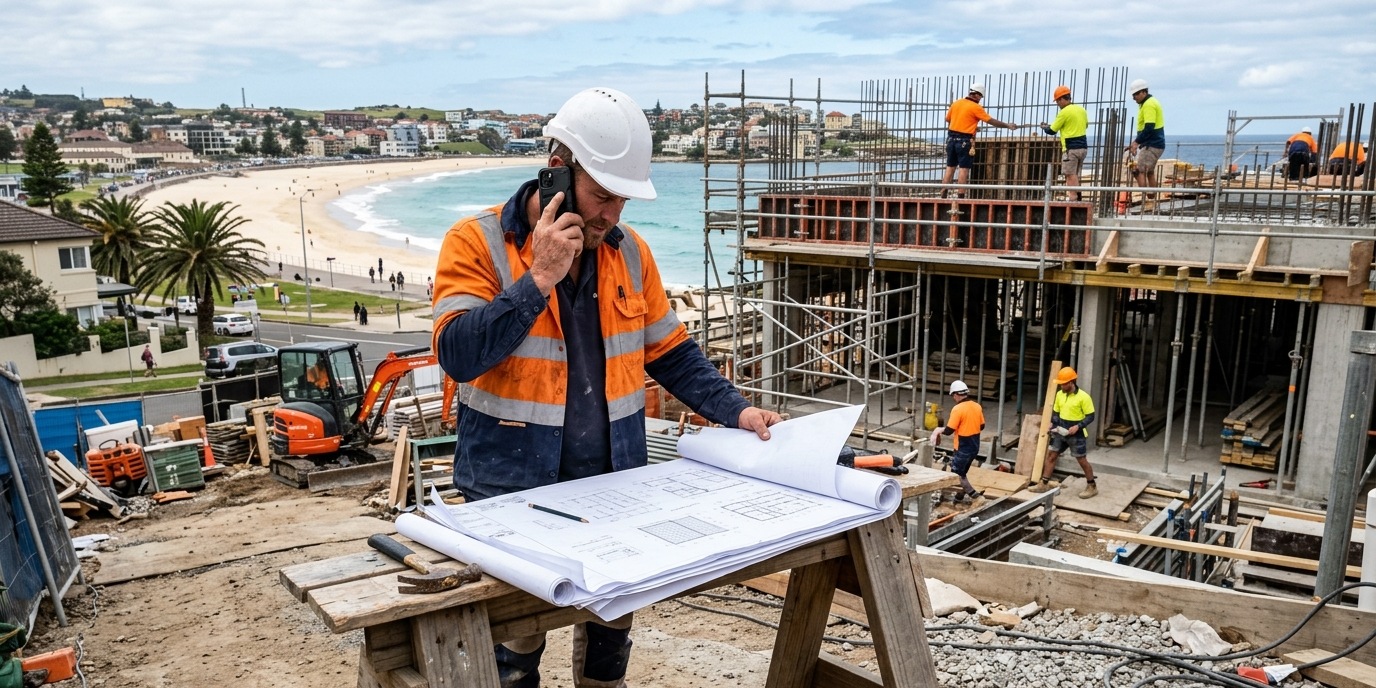
Australian building businesses handling both client calls and subcontractor coordination typically receive 40–80 phone calls per day across multiple projects. Without a routing system, 35–50% of these calls are missed or handled incorrectly. AI call routing separates client calls from subcontractor calls, routes by project, and ensures urgent site issues are escalated immediately.
Building a house involves approximately 25–40 different subcontractors across a standard residential project. Running three projects simultaneously means 75–120 subcontractors with varying schedules, questions, change requests, and on-site issues — all calling the same phone number as your clients.
When a client calls to ask about their kitchen selection while you're mid-conversation with a concreter about a pour schedule that needs to move by 48 hours, something's going to be handled badly. Usually it's the client call.
The two types of calls destroying your day
Building businesses deal with two fundamentally different call types that get routed through the same number:
- Client calls: Progress updates, variation queries, selections, complaints, timeline questions. These require detailed, careful responses. Clients are emotionally invested. A rushed answer creates distrust.
- Subcontractor calls: Schedule changes, delivery issues, site access problems, material substitutions, inspection requests. These are often urgent and require quick decisions — but they're operational, not relationship-building.
The problem is your phone can't tell the difference, and neither can your human brain when you're on a slab in 35-degree heat.
What AI routing does for a building business
The fix isn't "answer more calls" — it's "route calls correctly so the right information gets to the right person at the right time." AI call routing for builders works by identifying the caller type (client vs subcontractor vs supplier) and the project they're calling about, then either:
- Handling routine queries directly (standard progress update requests, inspection scheduling)
- Routing urgent site issues to the site supervisor's direct line
- Logging non-urgent subcontractor queries as tasks for EOD review
- Connecting client calls to the appropriate project manager
Frequently asked questions
Can the AI distinguish between a subcontractor and a client when they call?
Yes. CallSorted can be configured with your existing contact list — importing clients, subcontractors, and suppliers — and identifies callers by phone number. Unknown numbers are handled with an initial "who's calling" question. Once identified, the routing logic applies automatically. You can also set urgency levels — certain subcontractors (e.g. your main frame builder) can be configured for immediate live transfer to you, while routine supplier calls are logged.
How does it handle multi-project routing when a subcontractor works across several of my builds?
Multi-project routing is handled through a short call menu: "Is this about [Project A, Suburb] or [Project B, Suburb] or something else?" The AI presents the active project list for that subcontractor based on your project management data. Calls are then tagged and logged by project for easy review.
What about site emergency calls — burst pipes, structural concerns, injuries?
Emergency escalation is built into CallSorted's builder configuration. Calls containing words like "emergency," "injury," "collapse," or "gas" are immediately flagged for live transfer to your emergency contact number — bypassing all routing logic. Speed matters in these situations and the system prioritises a live transfer over everything else.
Get your calls sorted before the next project kicks off. Book a demo — we'll walk through your current project mix.